LIKUID.COM...
English
Choose language
English
  • العربية
  • Azerbaijani
  • Català
  • 中文
  • Hrvatski
  • Čeština
  • Dansk
  • Nederlands
  • English
  • English
  • Estonian
  • Persian
  • Français
  • Deutsch
  • עברית
  • Magyar
  • Italiano
  • Macedonian
  • Norwegian
  • Português
  • Português
  • Română
  • Русский
  • Español
  • Svenska
  • Türkçe
  • Українська
Notifications
0
You have no notifications at this time.
0
Login - This page is restricted
Forgot Password? or Register
+ (1) 514-667-2245
LIKUID.COM LIKUID.COM
  • Order
    Shared Hosting
    Shared Hosting

    Storage SSD, Cloud Linux, cPabel or Plesk

    Dedicated Server
    Dedicated Server

    Last gereration hardaware, remote reboot

    Cloud VPS
    Cloud VPS

    Dedicated features and high performance

    WordPress Hosting
    WordPress Hosting

    High performance plans optimized for WP

    Domains
    Domains Names

    More than 900 extensions available

    Developer Hosting
    Reseller Hosting

    Remove the hosting hassle, Dev. solution

  • Help
    Knowledgebase
    Knowledge base

    Find answers to your questions

    Announcements
    Announcements

    View our latest news & announcements

    Open Ticket
    Open Ticket

    Get some help

    Sales

    +(1) 514.667.2245
    +(1) 877.777.1719
    Contact Us
  • Client Login
LIKUID.COM LIKUID.COM
Order
Shared Hosting Dedicated Server Dedicated Server WordPress Hosting Domains Names Reseller Hosting
Support
Knowledge base Announcements Contact Us
CLIENT AREA

Knowledgebase

Comment supprimer la cache.
Courriels
cPanel - Utilisation, Gestion, Configuration compte
FTP - Comment transférer des fichiers
MySQL - Base de données
WordPress - Comment utiliser WordPress
Get some help Announcements Knowledgebase Downloads Network Status Open Ticket

Comment configurer un compte de messagerie avec un téléphone intelligent

Configuration avec l'application Outlook

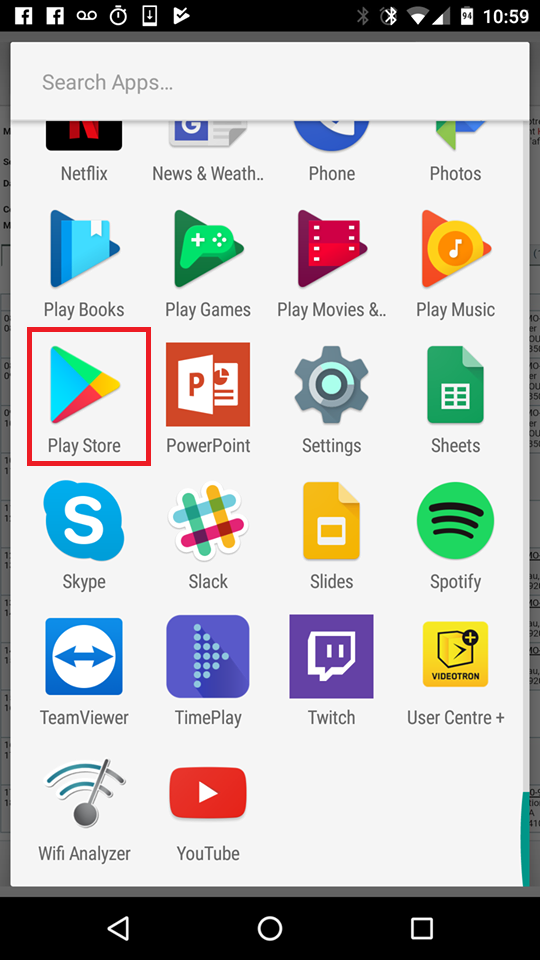
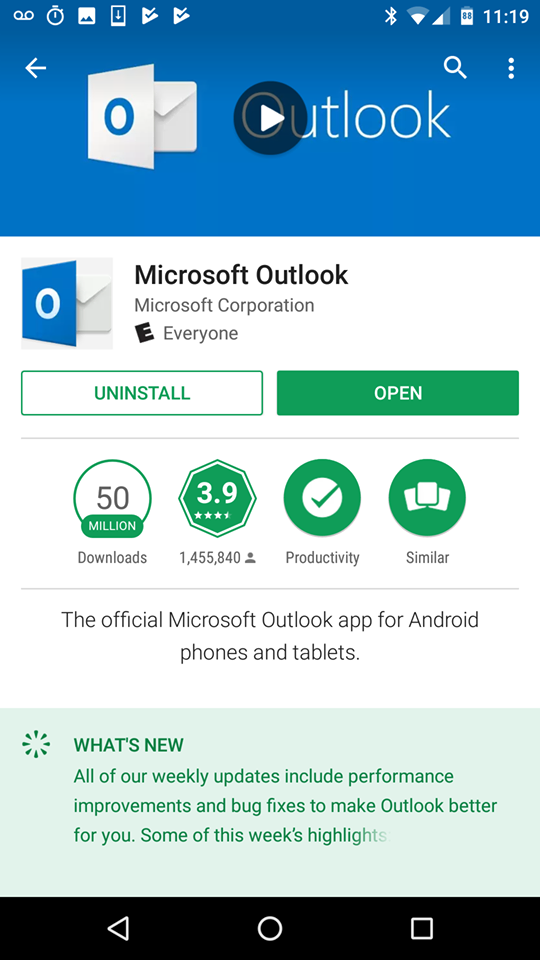
1 - Aller dans le "Play Store", "App Store" ou "Google Store".


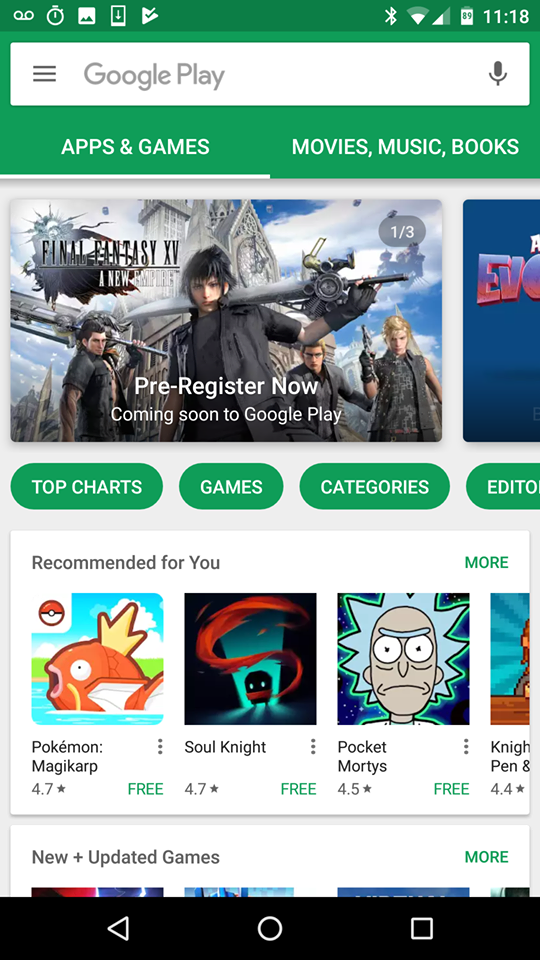
2 - Faire une une recherche de l'application "Outlook"


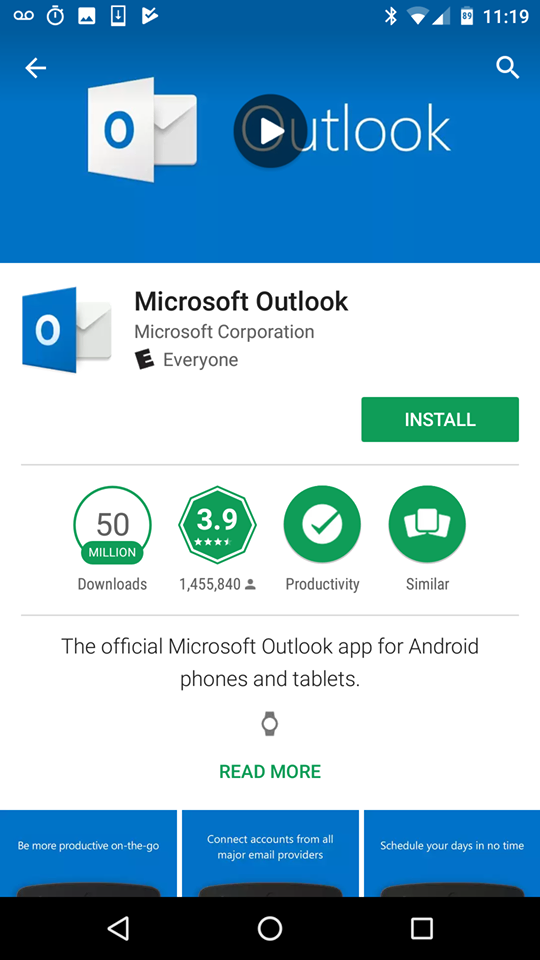
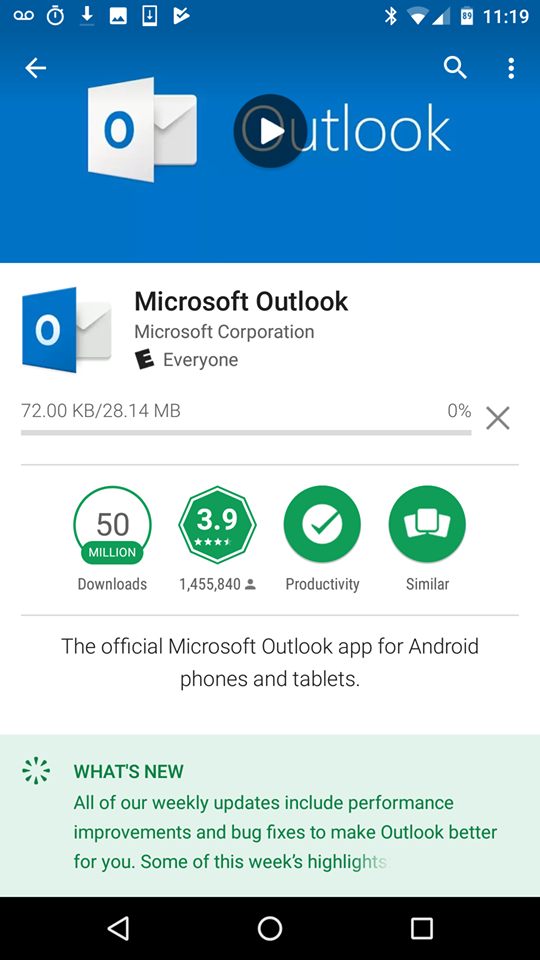
3 - Installer l'application "Outlook".


4 - Aller dans le "Play Store", "App Store" ou "Google Store".


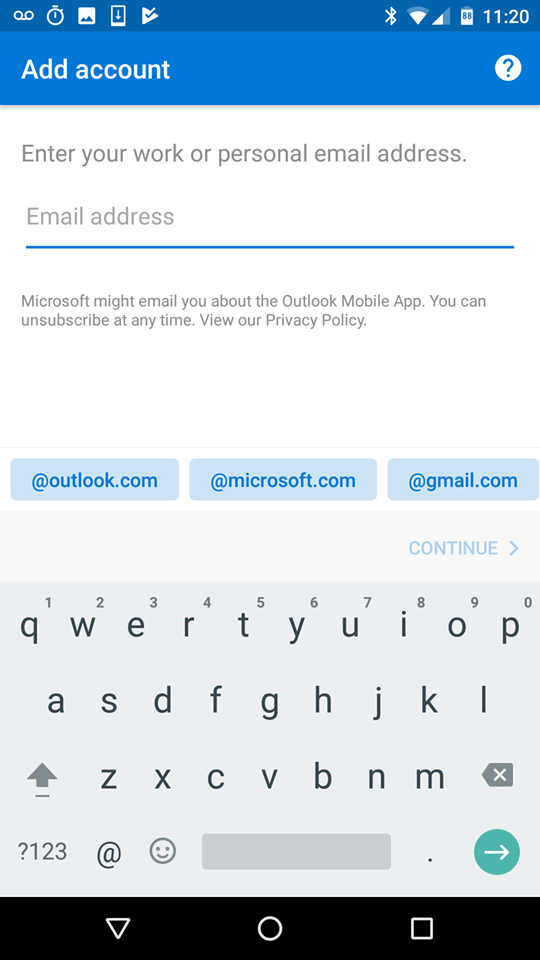
5 - Ouvrir l'application "Outlook".


6 - Entrer votre adresse courriel et cliquer sur entrer. 


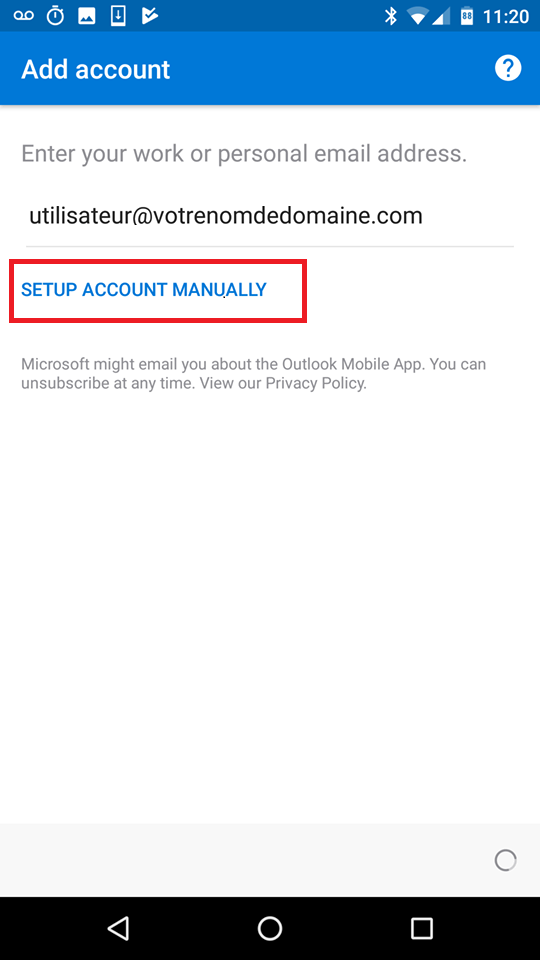
7- Cliquer sur "Setup Account Manually".


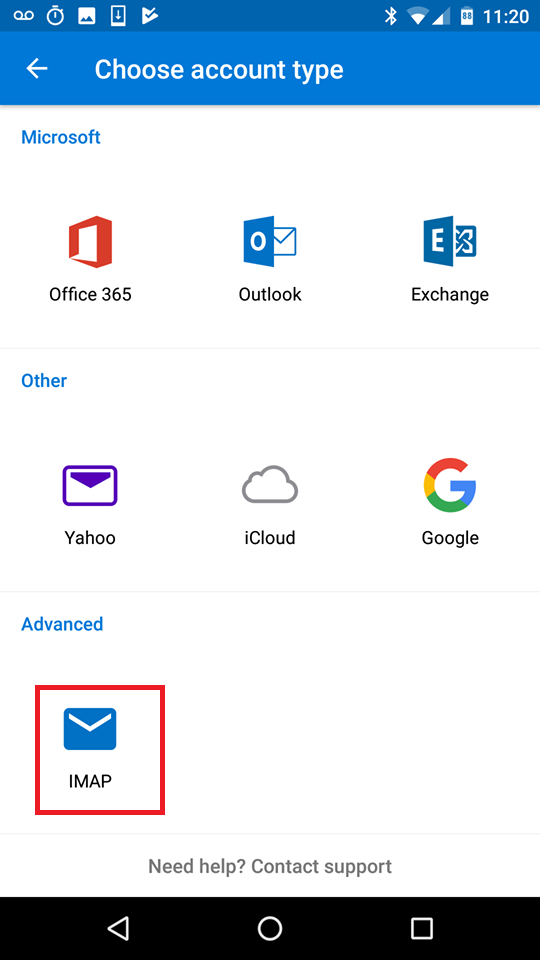
8 - Choisir l'option "IMAP".


9 - Configurer le compte tel que démontré dans l'impression d'écran suivante.


Was this answer helpful? 0 Users Found This Useful

Related Articles

Comment configurer un compte de messagerie dans MacOSX Ce tutoriel assume que vous avez déjà créer votre adresse courriel dans votre panneau de contrôle CPanel. Voir...
Comment configurer un compte de messagerie dans Outlook 2010-2016 Comment configurer un compte de messagerie dans Outlook 2010 - 2016 . 1- Faire un clique droit sur le menu démarrer...
Comment créer une adresse courriel Comment créer une adresse courrielle : 1- Premièrement, vous devez vous connecter au cPanel.2- Dans le cPanel,...
Comment télécharger le script d’installation des courriels 1- Une fois dans le cPanel, aller dans l’option « Email Accounts ». 2- Cliquer sur « Set up Mail Client » 3-...
comment configurer adresse webmail dans gmail Ajouter une adresse Webmail à Gmail et l'organiser avec les boîtes de réception multiples (Français) Partie 1 :...
Order
  • Shared Hosting
  • WordPress Hosting
  • Email Hosting
  • Dedicated Server
  • Cloud VPS
  • Domains Names
  • Reseller Hosting
Support
  • Knowledge base
  • Contact us
  • Maintenance
  • Help after hacking
Company
  • About us
  • Blog
  • Legal
  • Affiliate program
logo Antler logo Antler
Copyright © 2026 LIKUID.COM. All Rights Reserved.
  • Payment Methods

Title

Loading... Loading...
Loading...

Generate Password

Please enter a number between 8 and 64 for the password length